
Practical implementation guide
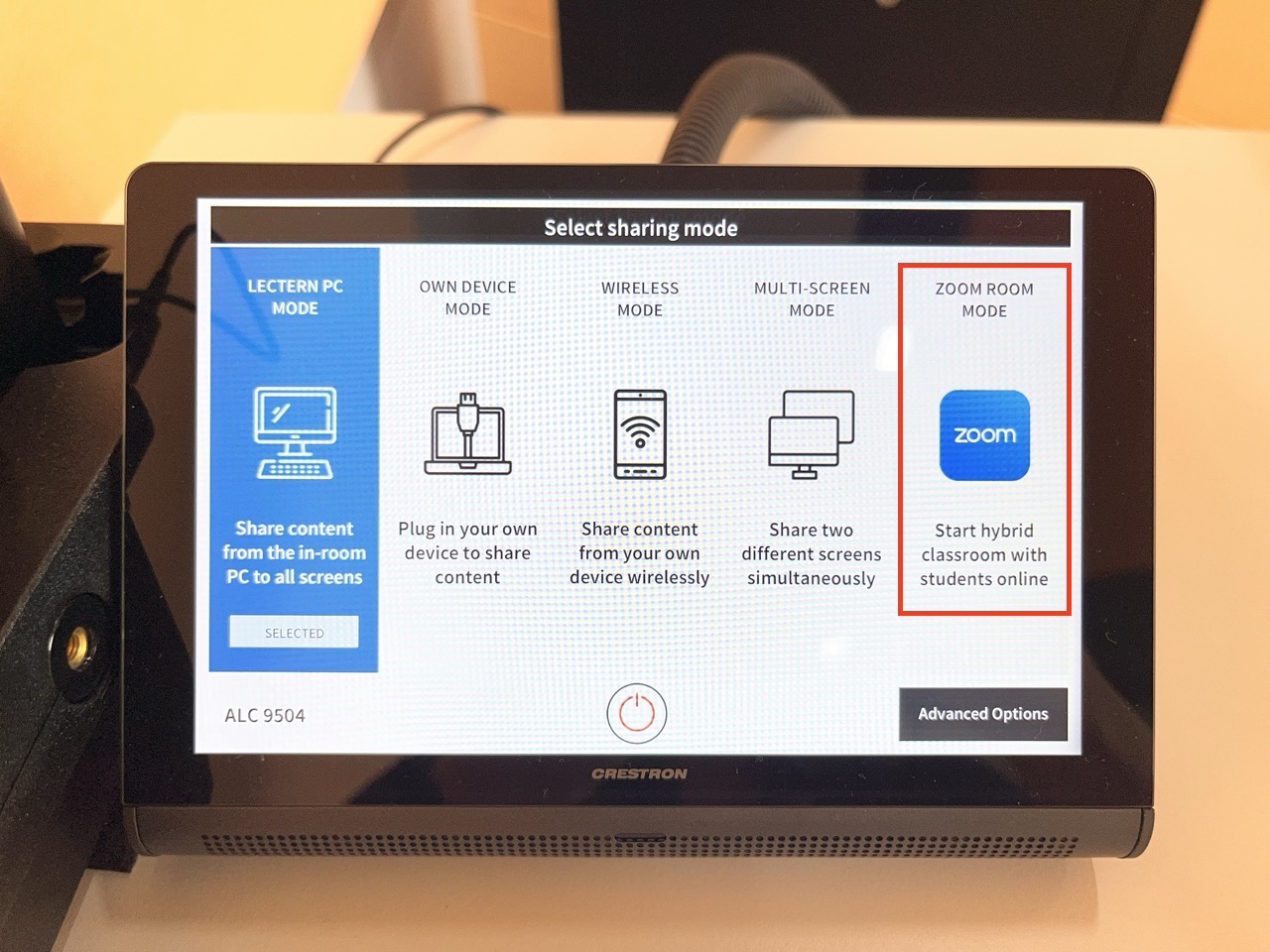
💡 Remember: Set up your hybrid class session using the lectern Crestron touch panel — select Zoom Room Mode.
Safety and security
Digital security:
- Use Monash Zoom accounts with authentication (both staff and students).
- Enable meeting security features (passcodes, limited screen sharing).
- Monitor participant lists and manage disruptions promptly.
Psychological safety:
- Establish collaborative communication protocols.
- Use preferred names and multiple participation channels.
- Prepare students for sensitive content with advance notice.
- Monitor well-being, especially for online participants.
Additional resources on safety and security:
- Principles for creating safe classrooms at: TeachHQ Safe Classrooms
- Stay cyber safe when using Zoom at: eSolutions Zoom Security